Local-first, not cloud-first
Every note, task and reminder is written straight to an on-device SQLite database. The app has to work perfectly with no connection at all — sync is an optional layer on top, never a dependency.
Case study
Notes, tasks and reminders usually live in three different apps. Cuefinity's case study looks at why that split fails people day-to-day, and the product decisions that brought all three back into one offline-first home.
01 · The problem
A quick note, a task with a deadline, a reminder to follow up — they're all the same instinct: don't let this slip. But most people end up spreading that instinct across three separate apps: a notes app for writing, a to-do app for tasks, and a calendar or alarm for reminders.
That split creates real friction:
The brief for Cuefinity was to remove that split entirely — one app, one local database, one place that handles the full range from a throwaway thought to a tracked habit.
02 · The approach
Rather than bolt a to-do list onto a notes app, the product was built around a small set of foundational choices — each one addressing a specific piece of the friction above.
Every note, task and reminder is written straight to an on-device SQLite database. The app has to work perfectly with no connection at all — sync is an optional layer on top, never a dependency.
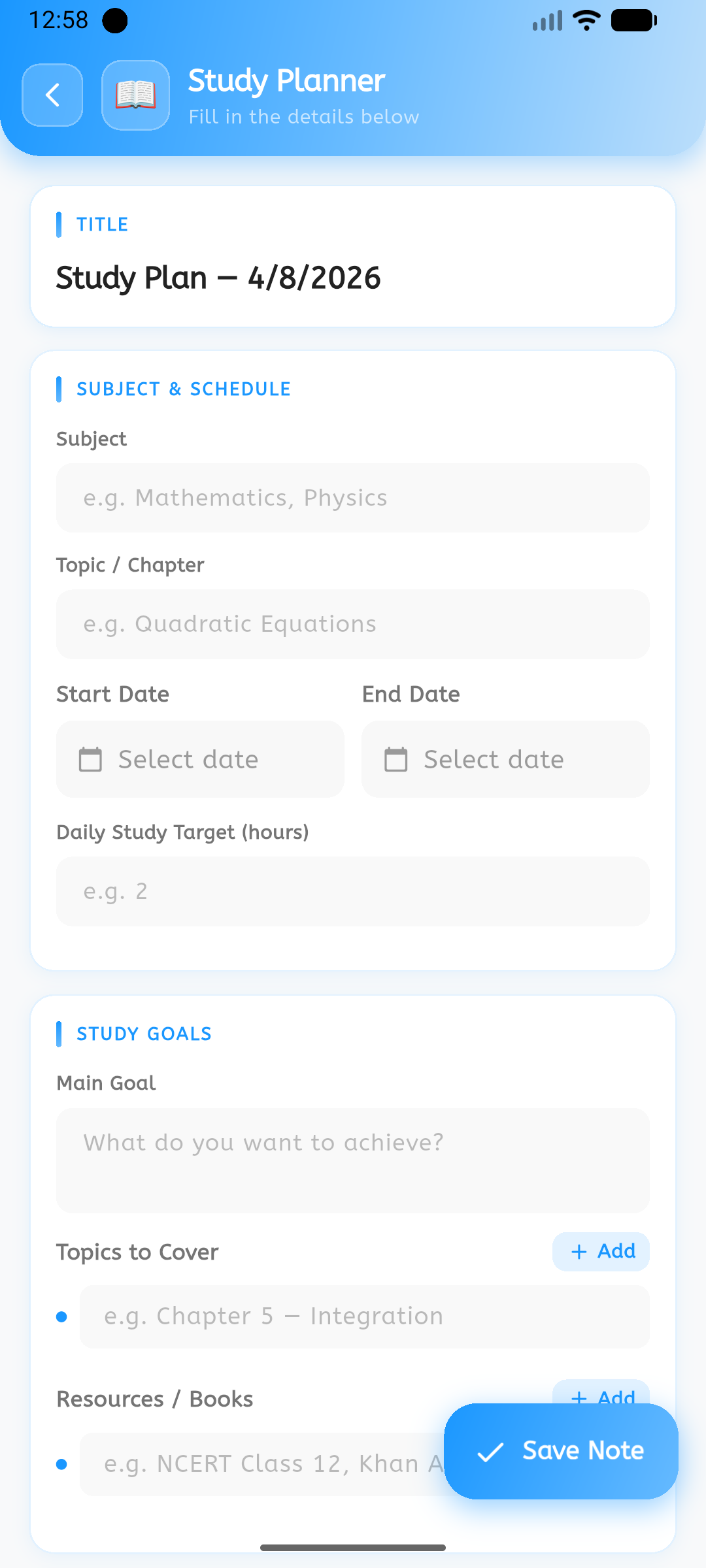
Instead of one generic text box, note types like Expense, Study Plan or Habit Tracker ship with the fields that type of note actually needs — amount and category, or subject and confidence — so context isn't lost after the fact.
A blank page is the biggest reason a thought never gets captured. Cuefinity leads with a template picker — recipes, packing lists, meeting notes — so starting is a tap, not a decision.
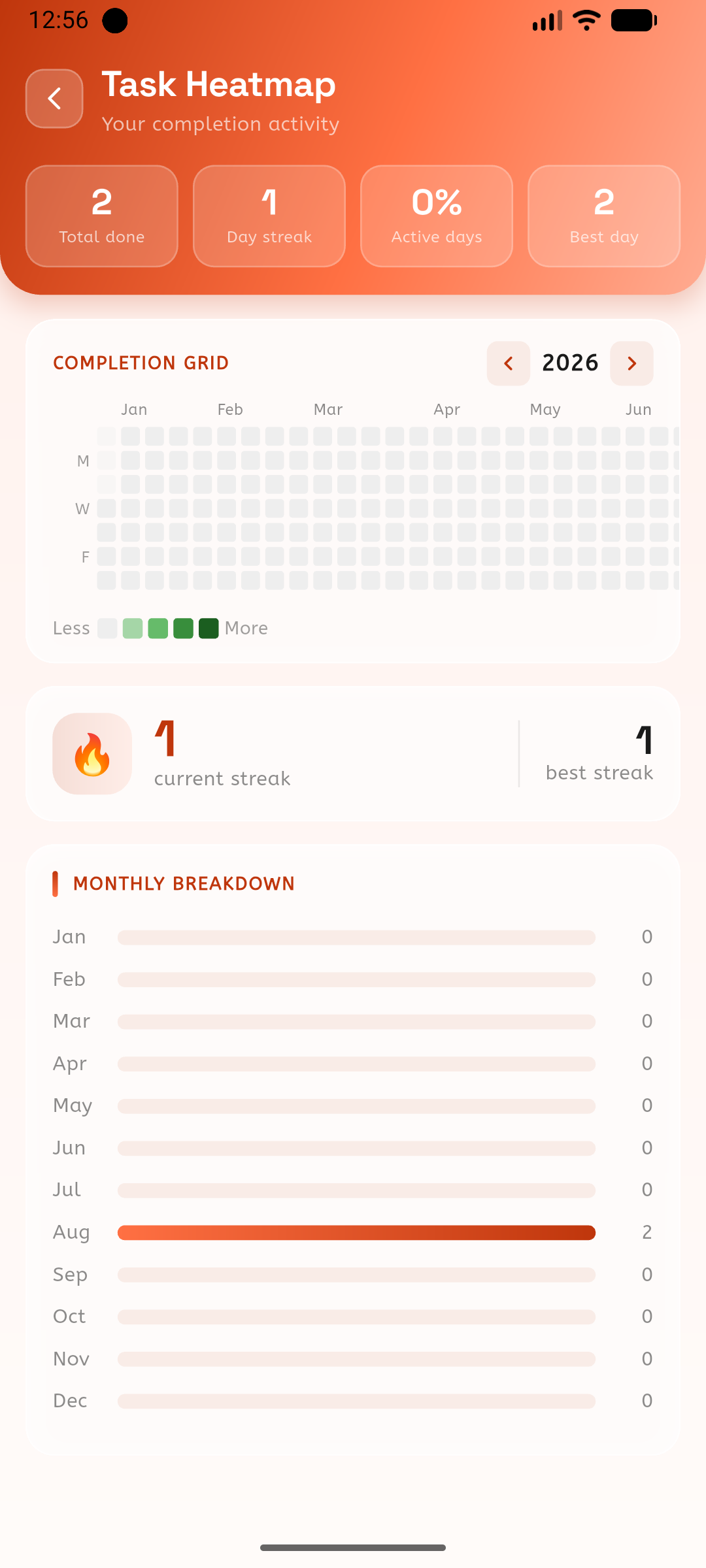
Capturing something is only half the job. A calendar view, a daily digest, and a completion heatmap were added specifically to surface what's due and what's been done — turning a list into a habit.
03 · The solution
A closer look at how the decisions above show up in the actual product.
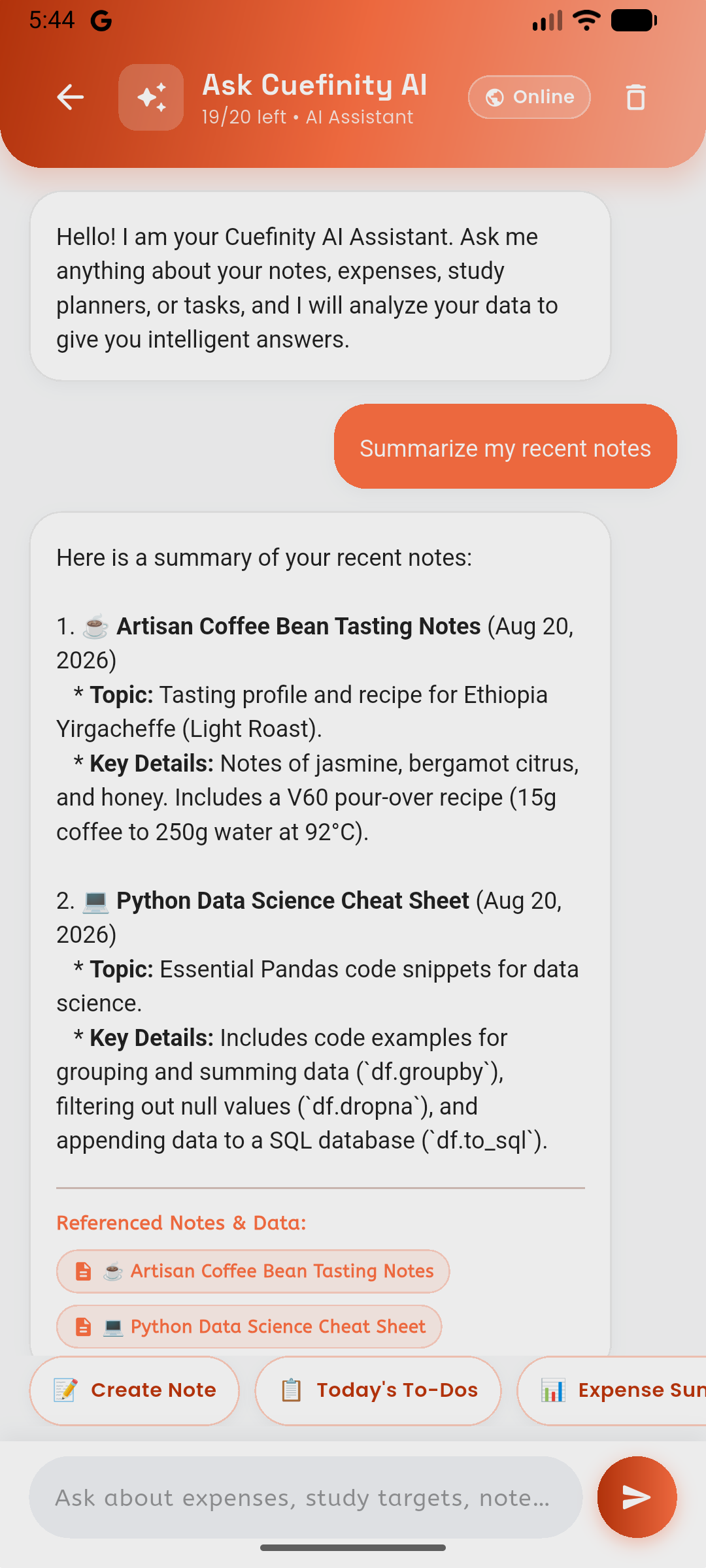
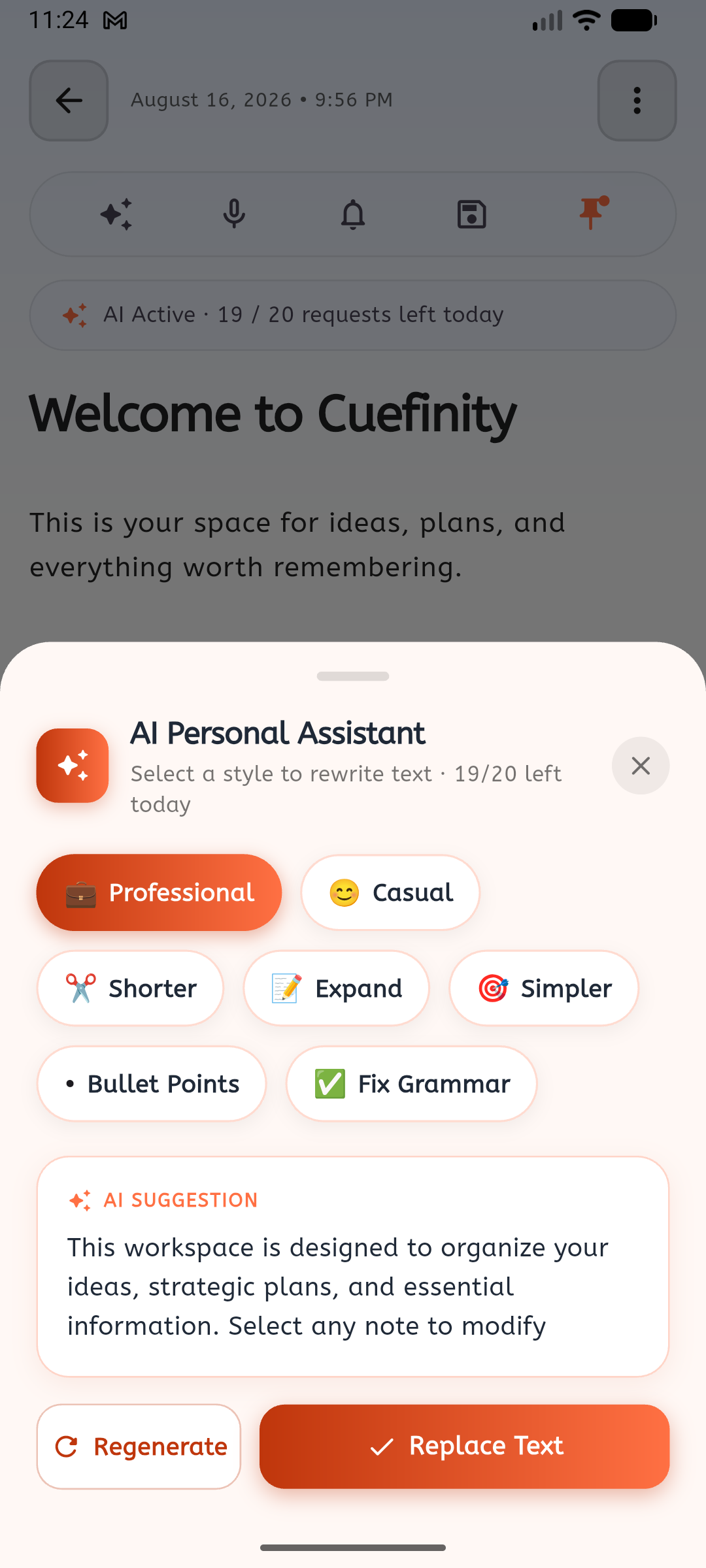
Embedded AI intelligence allows users to ask questions, summarize long notes, generate action items, and query their personal notes library with instant contextual responses.
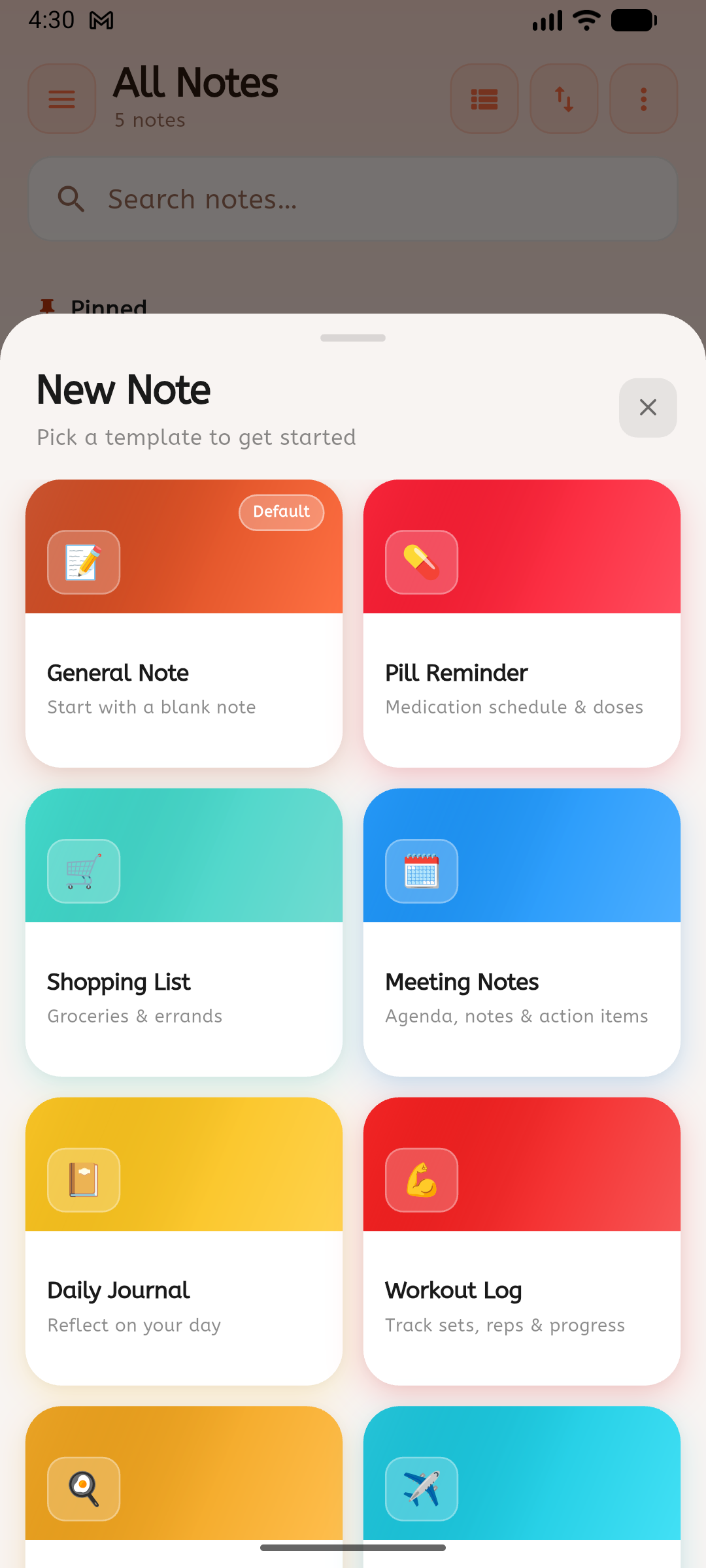
New Note opens straight into a template grid. Picking one pre-fills the right fields; picking General Note drops straight into a blank page. Either way, the note autosaves as you type — there's no separate Save step to forget.
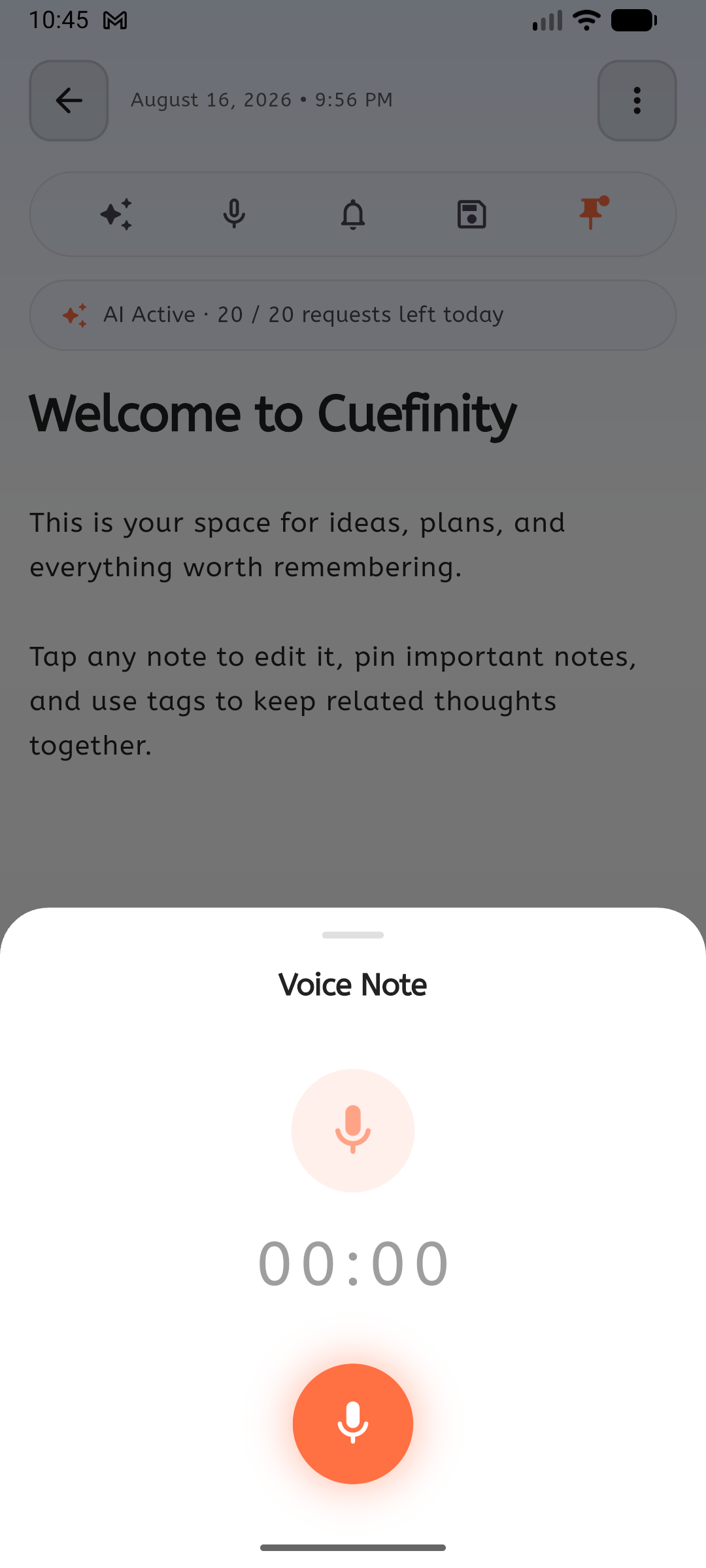
Recording lives inside the note editor itself. There's no export step, no switching apps to find the file later — the audio is simply part of that note, the same way a photo or a drawing would be.
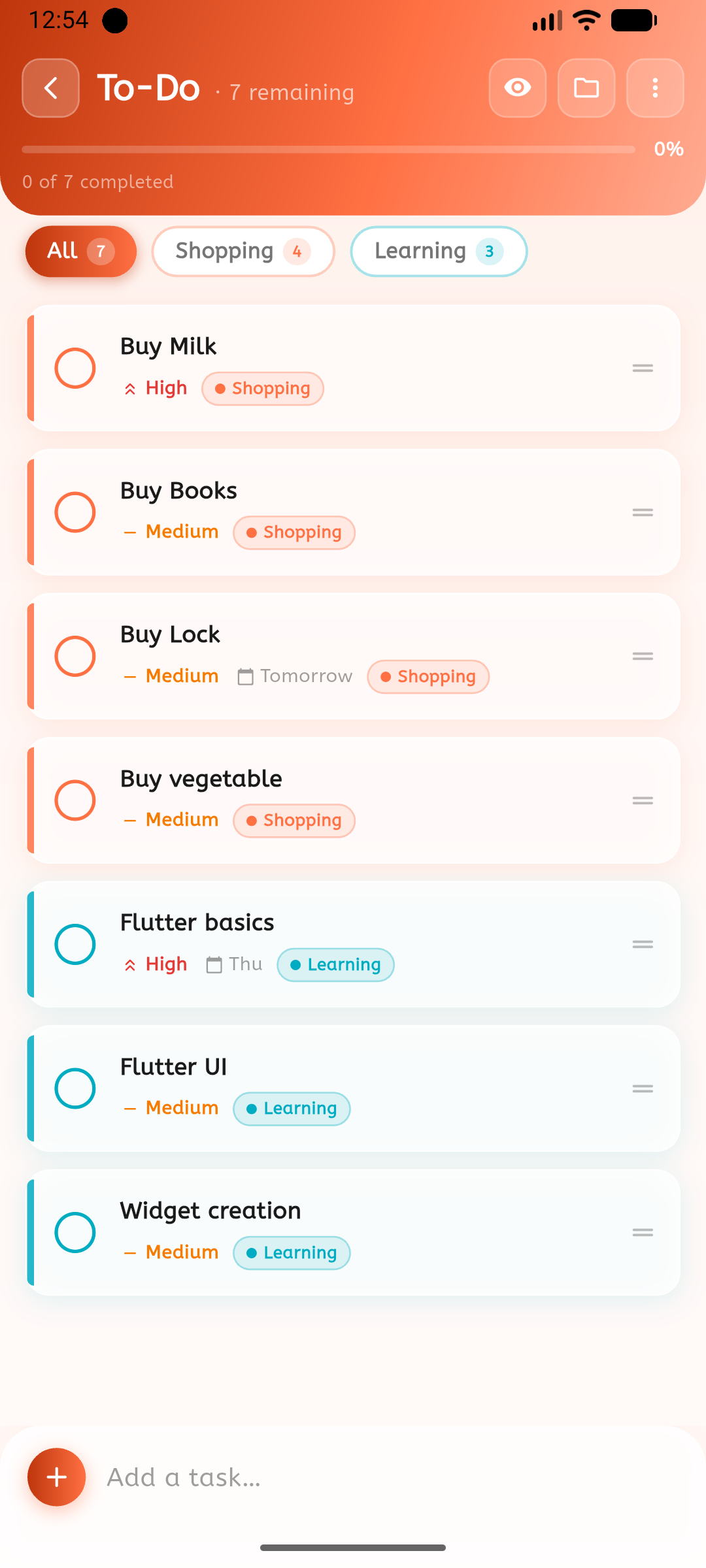
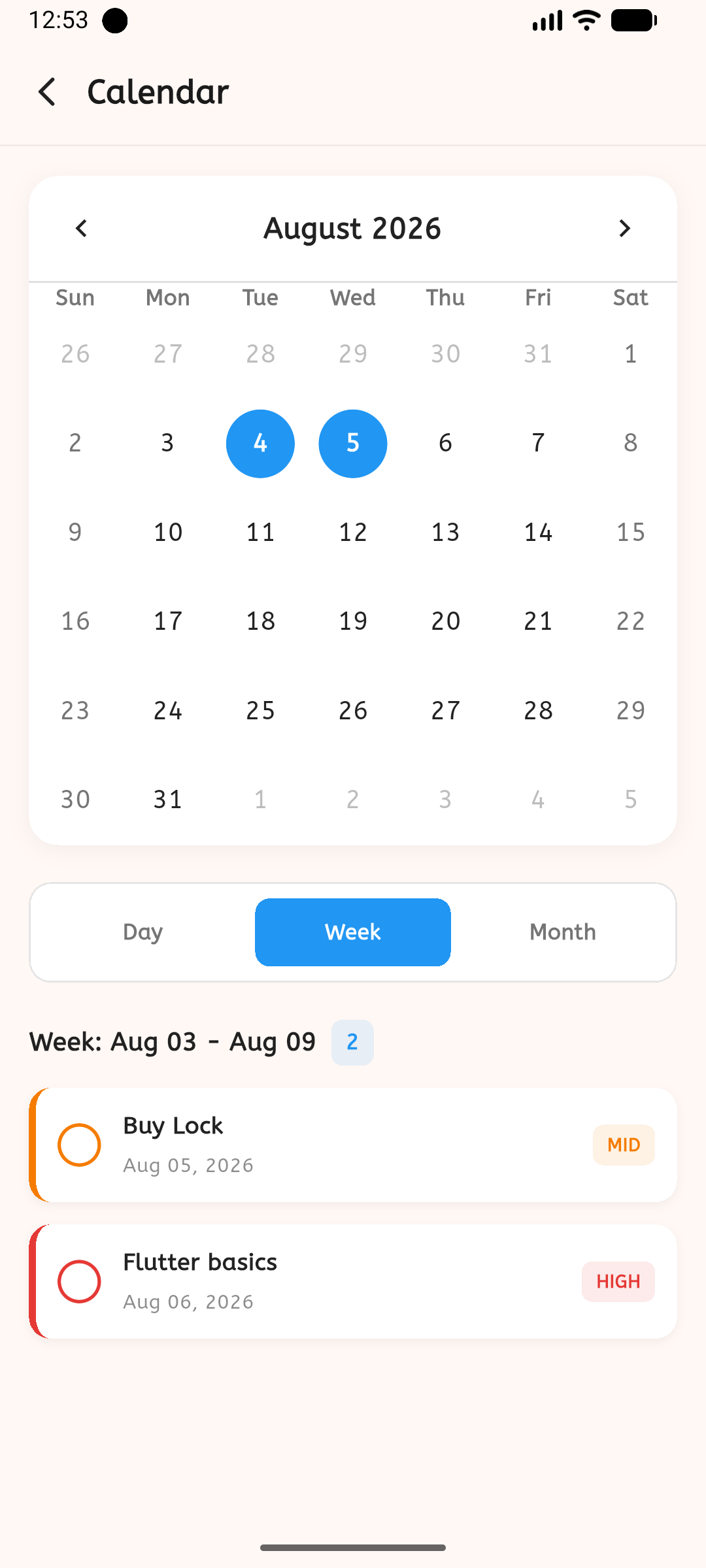
A task isn't just a checkbox — it carries priority and a due date from the moment it's created, shows up automatically on the calendar, and feeds a completion heatmap that turns "done" into a visible pattern over weeks and months.
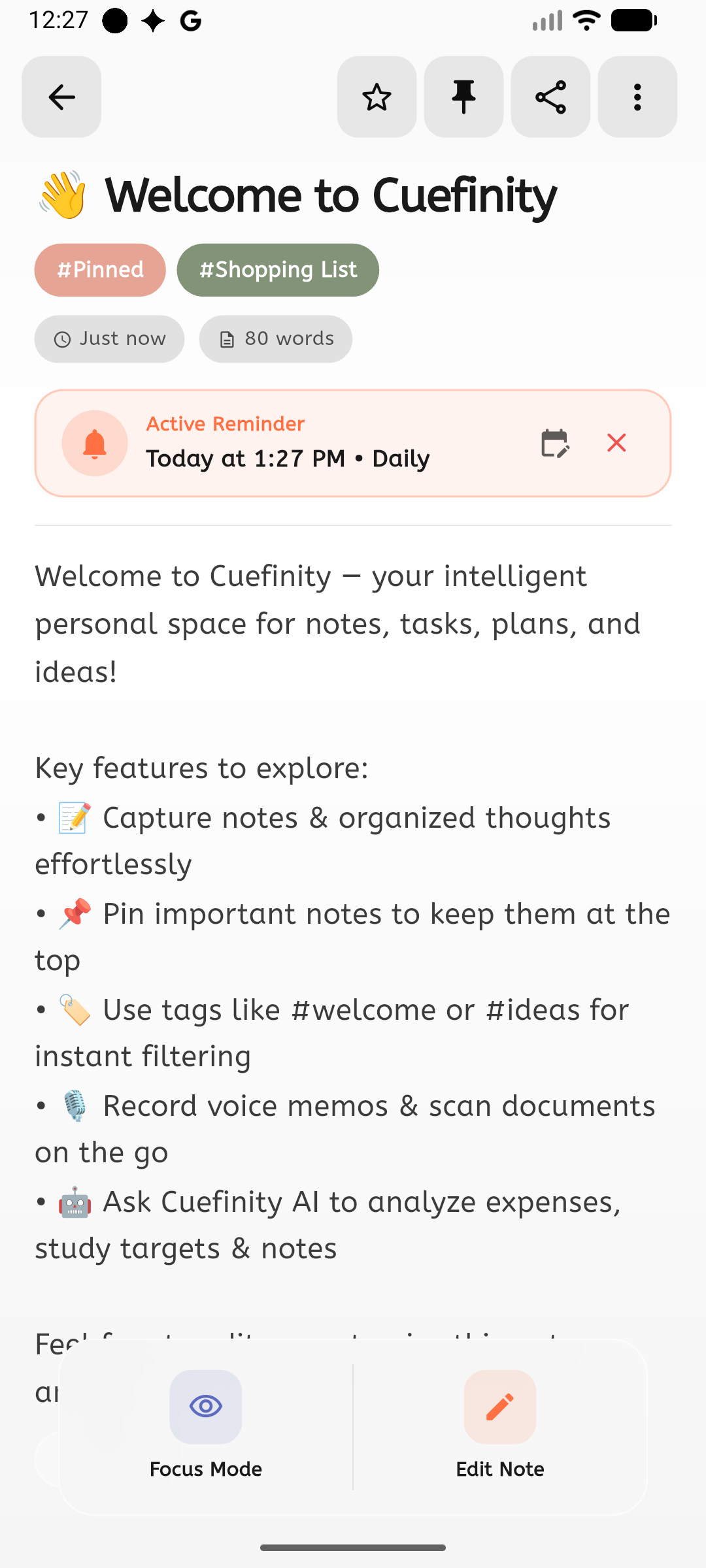
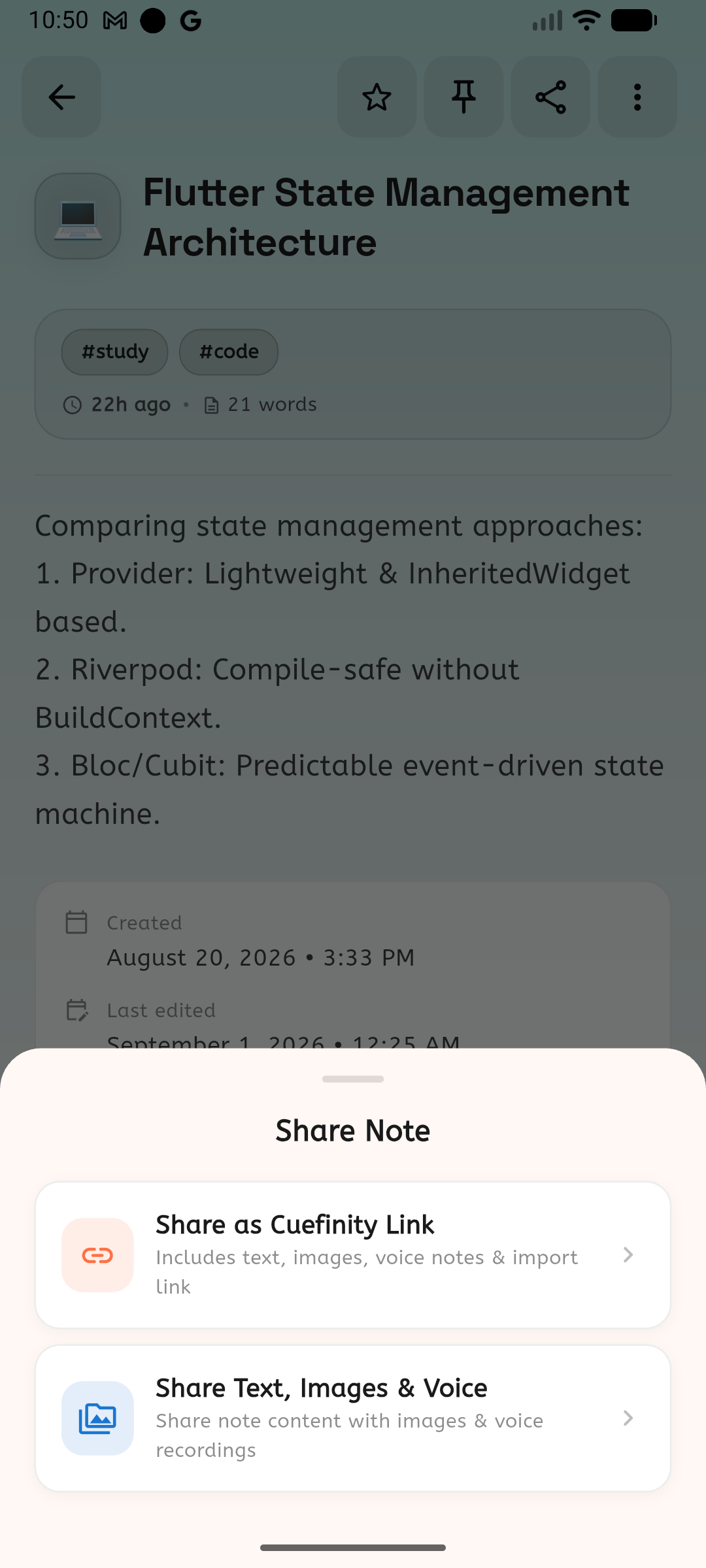
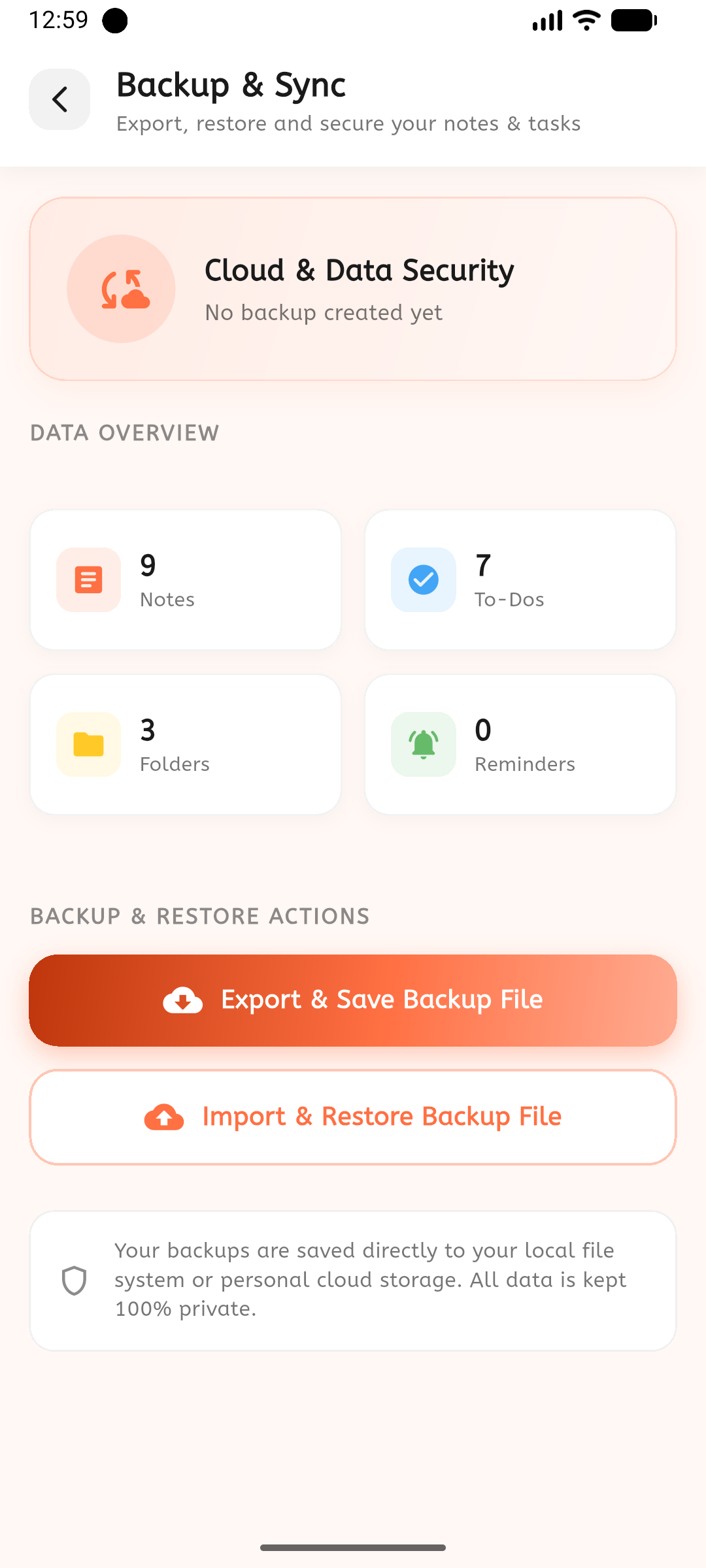
Every note can be exported as a PDF, shared as a link or as plain text, and the entire library — notes, folders, tasks and reminders — can be exported and re-imported on a new device. Nothing is locked to one phone.
04 · Challenges & trade-offs
Structured notes vs. simplicity. Giving every note type its own fields risked turning the editor into a form builder. The fix was scoping structure to a fixed set of templates rather than a fully custom field system — flexible enough to cover real use cases, simple enough to stay a notes app.
Local-first vs. multi-device. Committing to on-device SQLite as the source of truth meant sync couldn't be assumed. Backup/export became the pressure valve — full portability without taking on the complexity of real-time multi-device sync.
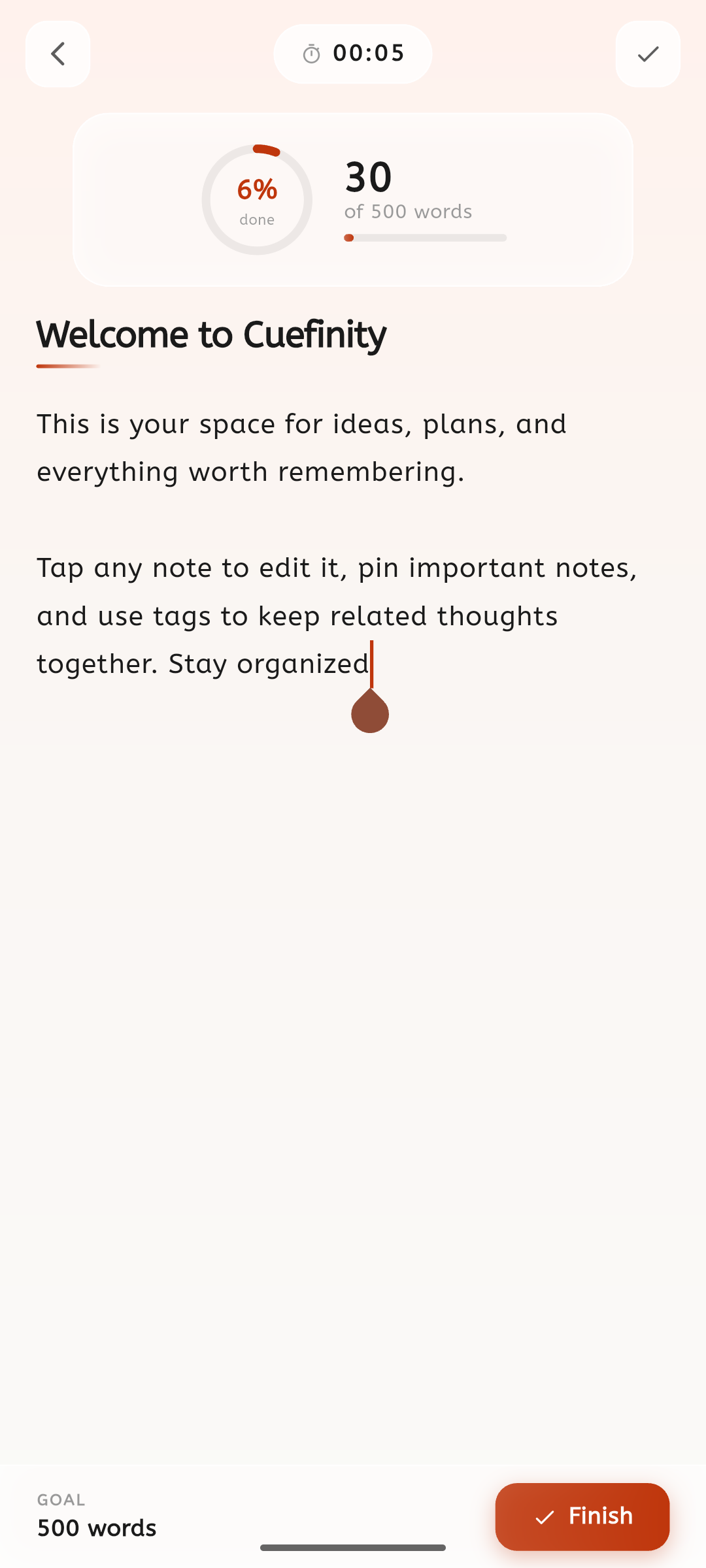
Monetization vs. focus mode. A free tier funded by ads sits awkwardly next to a feature built specifically to remove distraction. The resolution was to keep ads out of Focus Mode and the note editor entirely, and confine them to list-level screens only.
05 · Where it landed
The result is a single Flutter codebase running on iOS and Android, with 27 features spanning capture, organization, insight and portability.
This is a build-and-design case study, not a growth report — Cuefinity doesn't have public usage metrics to cite, so the "outcome" here is scope delivered and the reasoning behind it, not retention or revenue figures. If you're evaluating the product, the full feature breakdown and interactive walkthrough are the better next stop.
Walk through the live product, feature by feature.
Open the walkthrough