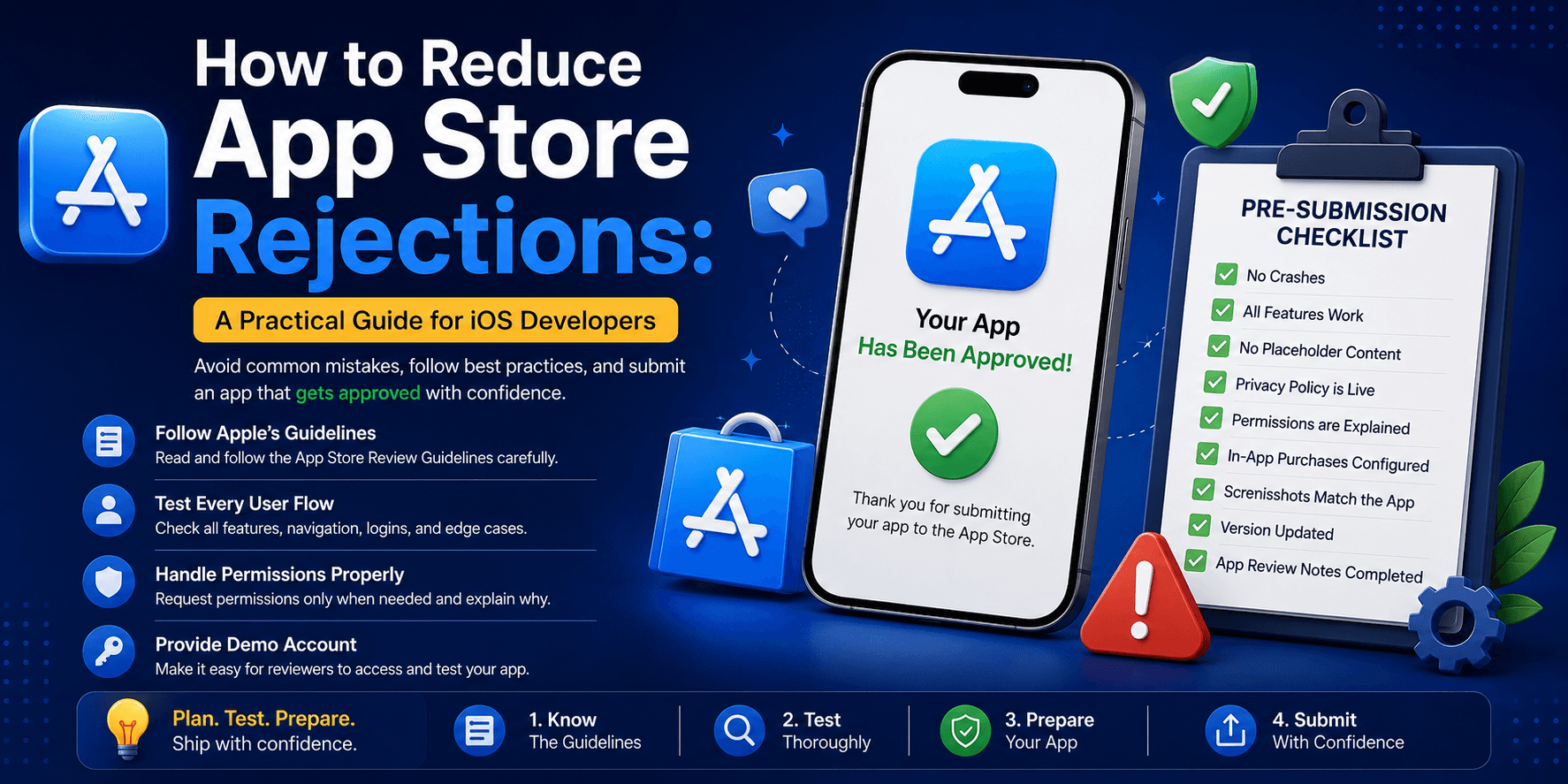
How to Reduce App Store Rejections: A Practical Guide for iOS Developers
A practical guide to reducing App Store rejections by following Apple's review guidelines, improving app quality, and avoiding common submission mistakes.
How to Reduce App Store Rejections: A Practical Guide for iOS Developers
Publishing an app on the App Store is exciting—until you receive the dreaded email:
Your app has been rejected during App Review.
The good news? Most App Store rejections are preventable.
After working on multiple iOS applications across different industries, I've found that the majority of rejections happen because of a handful of recurring mistakes rather than complex technical issues.
Let's explore how to avoid them before submitting your app.
1. Read the App Store Review Guidelines
Before writing code, spend some time reading Apple's App Store Review Guidelines.
Many rejections happen simply because developers build features that don't comply with Apple's policies.
Treat the guidelines as part of your project requirements—not something to review only before submission.
2. Test Every User Flow
A reviewer will test far more than just your main feature.
Verify that:
- Sign up and login work correctly
- Password reset is functional
- Logout works properly
- Navigation doesn't crash
- Deep links open correctly
- Offline mode is handled gracefully
- Error messages are meaningful
If a reviewer gets stuck, your app may be rejected.
3. Remove Placeholder Content
Before submission, check for:
- Dummy images
- Lorem Ipsum text
- Test products
- Sample notifications
- Temporary logos
- Empty screens
Every screen should feel production-ready.
4. Handle Permissions Properly
If your app requests access to Camera, Photos, Microphone, Location, Bluetooth, Contacts, or Calendar:
- Explain why the permission is needed.
- Request it only when necessary.
- Include clear usage descriptions.
5. Make Login Easy for Reviewers
- Provide a working demo account.
- Include credentials in App Review Notes.
- Disable OTP/MFA for the review account when possible.
6. Avoid Broken Links
Verify:
- Privacy Policy
- Terms & Conditions
- Help Center
- Contact Us
- Website
7. Be Honest About Features
Only advertise features that exist in the submitted build.
8. Follow Apple's Design Standards
Ensure:
- Proper Safe Area support
- Supports current screen sizes
- Handles light and dark mode appropriately (if applicable)
- No overlapping UI
- Smooth navigation
- Good readability
A polished user experience increases confidence in your app.
9. Review In-App Purchases
- Use Apple's In-App Purchase system where required.
- Display pricing clearly.
- Display renewal information.
- Support purchase restoration.
Misconfigured purchases are a frequent cause of delays.
10. Verify Privacy Requirements
- Publish a Privacy Policy.
- Complete the App Privacy questionnaire accurately.
- Match declared data collection with actual behavior.
Inconsistencies can trigger rejection.
11. Test on Physical Devices
Validate:
- Camera
- Push Notifications
- Bluetooth
- GPS
- Biometrics
- Performance
- Memory usage
Don't rely solely on the simulator.
12. Write Helpful App Review Notes
Include:
- Demo credentials
- Setup instructions
- Hidden feature access
- Contact information
- Required permissions
Clear notes can prevent unnecessary back-and-forth.
Pre-Submission Checklist
- ✅ No crashes
- ✅ All buttons work
- ✅ No placeholder content
- ✅ Privacy Policy is live
- ✅ Permissions are explained
- ✅ Demo account works
- ✅ In-App Purchases configured
- ✅ Screenshots match the app
- ✅ Version updated
- ✅ App Review Notes completed
Final Thoughts
App Store approval isn't about luck—it's about preparation.
Most rejections can be prevented with proper testing, accurate metadata, clear communication, and attention to Apple's guidelines.
The best App Store submission is the one that leaves reviewers with nothing to question.
Share this article
Related Articles
Flutter vs Native Development in 2026: How Should Businesses Choose?
A comprehensive, data-backed architectural guide comparing Flutter and Native (Swift & Kotlin) mobile development — covering cost, market share, performance, team velocity, real-world enterprise case studies, and a step-by-step decision framework.

How to Add a Flutter Module Inside an Existing iOS App
A complete step-by-step guide to integrating a Flutter module into an existing native iOS app — covering podfile setup, route handling, and common pitfalls to avoid.
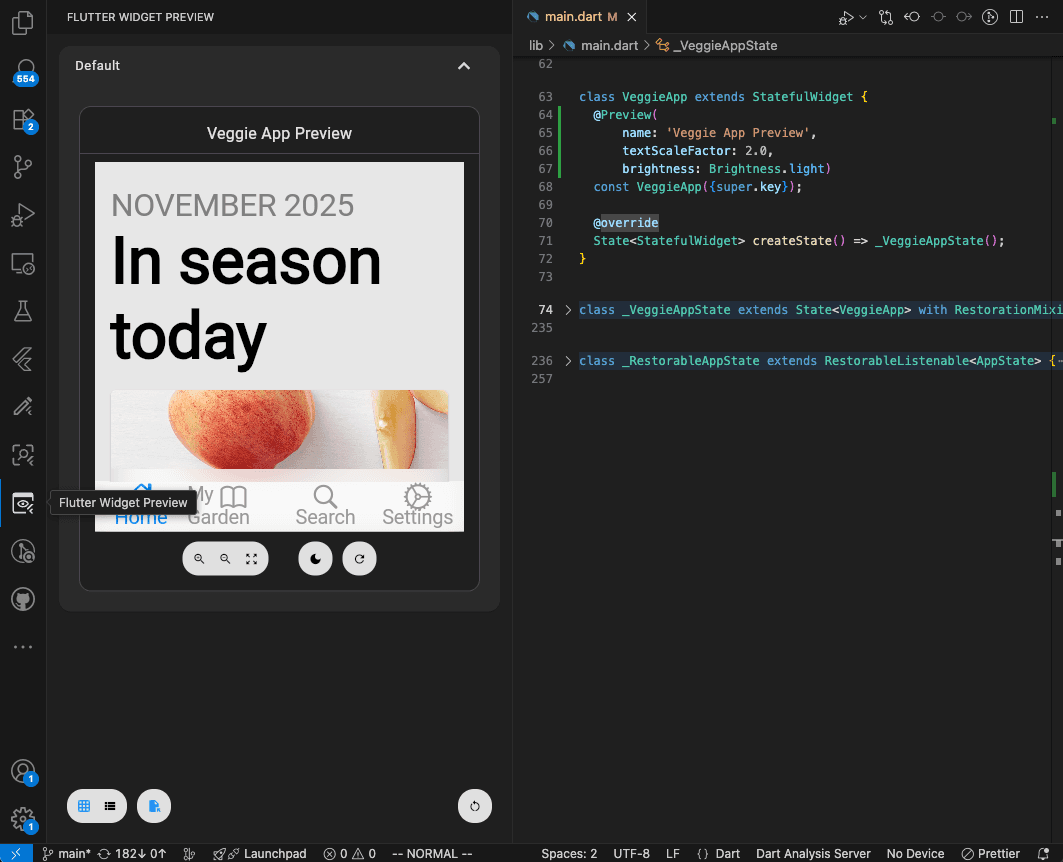
Flutter Widget Previews: Build Your First UI Component Without Opening the Whole App
Learn Flutter Widget Previews with a simple reminder card, official screenshots, and practical exercises for checking layouts and larger text.